

Mode: Live Interactive Sessions (Online)
Duration: 7 Days
Session Length: 4 Hours per Day
Level: Beginner → Advanced
Course Fee: 600 USD
🎯 Special Early-Bird Offer:
The first 10 registered participants will receive an exclusive 50% discount.
💰 Discounted Fee: Only 300 USD
To claim your 50% discount, contact via WhatsApp: https://wa.me/+8801780942798 or Email: rmijanur10266@gmail.com
⚠️ Limited to the first 10 registrations only. Once the seats are filled, the standard fee of 600 USD will apply.
Register early and secure your spot at half the price.
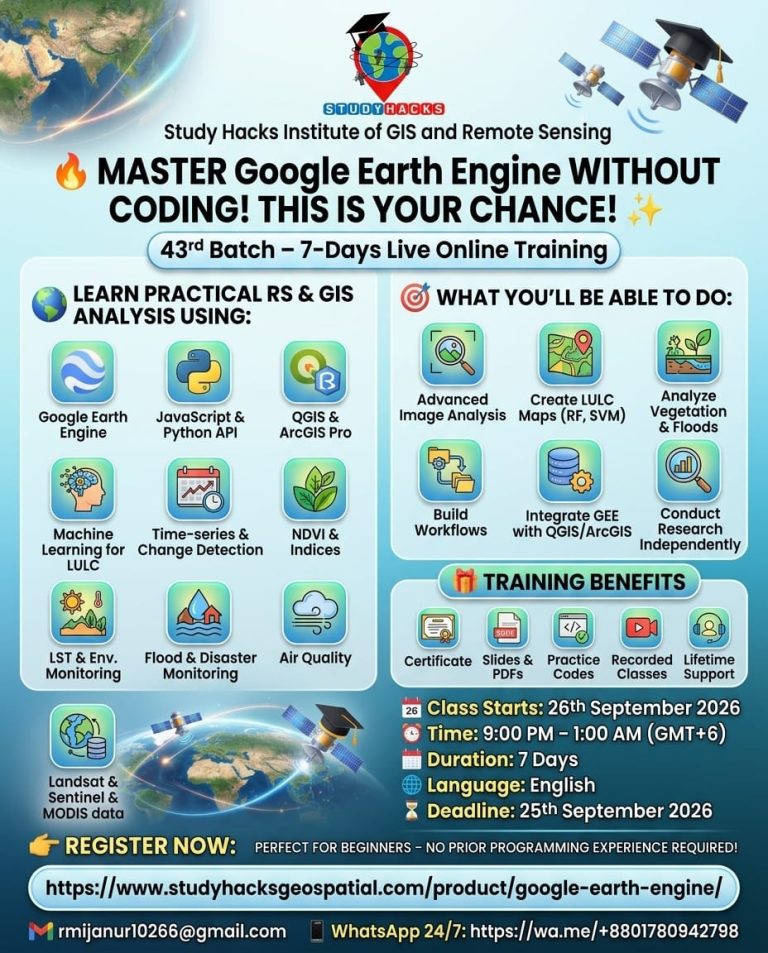
Join our upcoming online live training program starting on 26th September, 2026, where you will gain hands-on experience in using cloud-based geospatial processing with Google Earth Engine, seamlessly connected with desktop GIS platforms.
Registration is now open for the 43rd Batch of 7-day comprehensive online live training on Google Earth Engine (GEE) for Remote Sensing and GIS Analysis using JavaScript and Python APIs integration with QGIS and ArcGIS Pro, tailored for beginners to advanced learners. Designed specifically for non-coders, this course empowers you with advanced geospatial skills—no prior programming knowledge is required!
These classes will teach you all the necessary things to start using GEE for your remote sensing analysis. We primarily focus on individuals who are unfamiliar with programming languages and the Earth Engine function. We cover LULC mapping, Change detection Analysis, Air quality Monitoring, Time series analysis, calculating any Indices, Supervised Classification, Unsupervised Classification, Machine Learning Methods, NDVI change detection, and more.
Date: 26th September 2026
Introduction to Google Earth Engine
Setting up Python & JavaScript API for GEE
Using GEE JavaScript and Python APIs
Basics of JavaScript Syntax and Python for GEE
Understanding Client vs. Server Objects
Executing Code on the GEE Server
Importing Raster & Vector Data (Local + GEE Datasets)
Filtering Attribute Tables
How to use GEE JavaScript and Python API with QGIS and ArcGIS Pro
Date: 2nd October 2026
Filtering and Displaying Satellite Imagery (Landsat, Sentinel, MODIS)
Creating Satellite Composites
Band Combination Techniques
Exporting Satellite Imagery
Raster Data Processing: Import, Filter, Reduce, Clip & Display
NDVI Time Series Analysis using Ready-made Dataset
Annual Image Composite Generation
Date: 3rd October 2026
Calculating Any Indices from Satellite Images using Landsat and Sentinel
Filtering and Displaying Satellite Images: Sentinel-2 and Monitoring NDWI, NDVI
Extract the water body using Thresholding
NDVI, NDWI, SAVI, and all indices Time series Chart using Landsat and Sentinel
Export Any Shapefile from GEE
How to add a Gradient Legend and Title on GEE
NDWI Calculated from MODIS and Landsat data
Date: 9th October 2026
Date: 10th October 2026
Air Quality Monitoring (All Major Parameters)
Downloading Time-Series Data in CSV Format
Air Quality Visualization & Trend Charts
Emission Analysis (NOx & Other Gases) using Sentinel-5
Aerosol Optical Depth (AOD) Monitoring
PM2.5 Analysis
Research Map Creation using GEE & ArcMap
Accuracy Assessment Techniques
Extracting Pixel Values for Specific Locations
Trend Analysis & Linear Regression Modeling
Date: 16th October 2026
Introduction to Machine Learning in Remote Sensing
LULC Mapping using Supervised & Unsupervised Methods
Algorithms: Random Forest, CART, SVM, Minimum Distance
Accuracy Assessment (Kappa, Producer’s & User’s Accuracy)
Calculating LULC Class Areas
Adding Legends to LULC Maps
Exporting Results for Research Publication Maps
Date: 17th October 2026
Land Use / Land Cover Change Detection
NDVI Change Detection Analysis
NDVI Classification Techniques
Dense Vegetation Extraction using Thresholding
Class-wise LULC Change Detection in a Single Layer
Transition Matrix & Area Calculation
Urban Growth Monitoring
Hyperparameter Tuning for Machine Learning Accuracy
✔ Strong command over Google Earth Engine workflows
✔ Hands-on experience with satellite datasets (Landsat, Sentinel, MODIS)
✔ Environmental, climate, and urban analysis skills
✔ Machine learning-based land cover classification
✔ Research-ready outputs for academic or professional use
✔ Practical expertise required in GIS, Remote Sensing, and Data Science careers
600.00$
WhatsApp us
Reviews
There are no reviews yet.